
Gutenberg contentOnly & Block Bindings vs an Inline Editor for Custom Themes
contentOnly locking and the Block Bindings API are the right tools on block themes and FSE sites. On a classic PHP custom theme, an inline editor that marks template regions fits better. Here is how to choose.
 Steven
•
Steven
•
Bindery vs LiveCMS: Two Ways to Make Custom-Theme Regions Client-Editable
Bindery and LiveCMS both let clients edit only the regions you allow, on the live page. They differ in setup, where edits are stored, and theme fit.
Steven
•
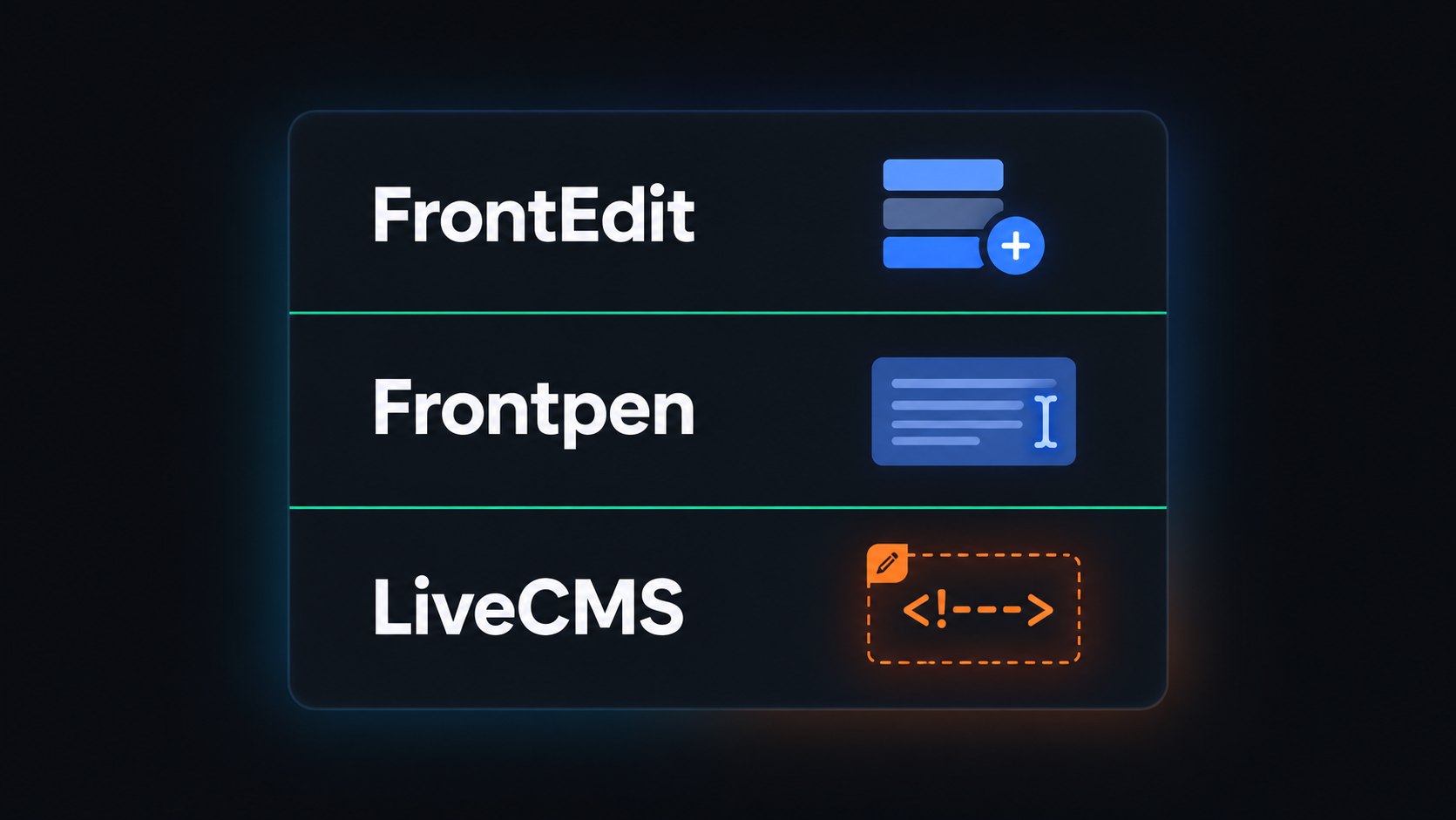
FrontEdit vs Frontpen vs LiveCMS
FrontEdit, Frontpen, Jamie's and Visual Edit Lite edit blocks or block themes live. LiveCMS edits developer-marked regions on custom PHP themes.
Steven
•
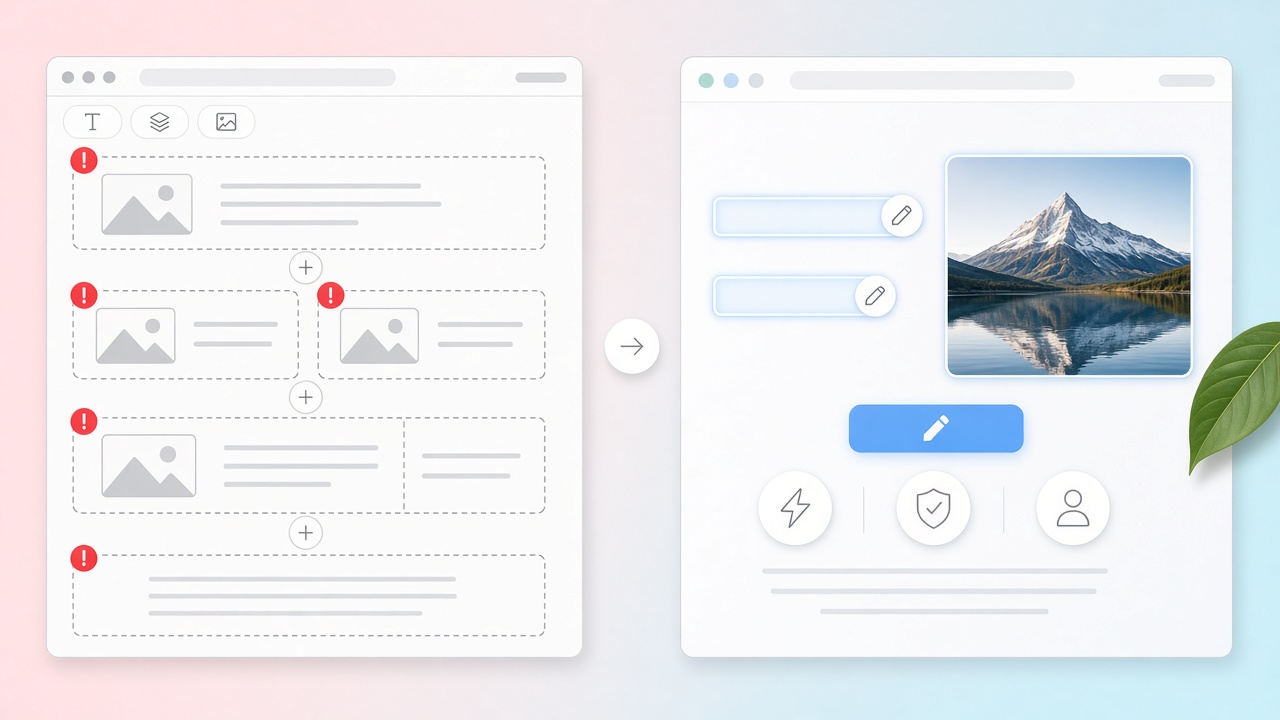
How to Let Clients Update WordPress Content Without Breaking Layout
Give clients a way to change headlines, photos, and links on a custom WordPress theme without opening the layout. Mark the fields. Leave the grid alone.
Steven
•
ACF Alternative for Page Copy: Keep Content in post_content
Looking for an ACF alternative for marketing page copy? Keep headlines, body text, and CTAs in searchable post_content — not wp_postmeta — with LiveCMS on custom WordPress themes.
Steven
•
Inline Content Editor for Developer-Built WordPress Themes
Agencies let clients edit text, images, and links on the live front end of custom WordPress themes. LiveCMS uses HTML comment markers and stores content in post_content — no ACF, no Gutenberg required.
Steven
•
How to create editable links with LiveCMS
Content editors should not need to open a PHP file just to change a link. Learn how LiveCMS lets developers mark editable links in WordPress templates so editors can update them from the front end.
Steven
•
Clients Don't Need Page Builders. They Just Need to Update Content.
When you hand a client Full Site Editing in Gutenberg, you aren't empowering them. You're opening the door to broken grids and endless support tickets. Developers build pages. Clients update content.
Steven
•
July 22, 2026

Your Content, Any Version: Instant Restore with LiveCMS
Every edit you make in LiveCMS is saved as a version. Not buried in a revision sidebar — right there, inline, one click away. Here's how version history and inline editing work together.
Steven
•
July 2, 2026

WordPress 7.0: Are we solving the right problem?
WordPress 7.0 focuses on real-time collaboration as its cornerstone feature. We look at whether RTC solves the real friction content teams face.
Steven
•
April 4, 2026

How LiveCMS Redefines the WordPress Editing Experience
LiveCMS is an inline visual editing plugin for WordPress that allows content editors to update text, images, and links directly on the frontend page.
Steven
•
April 14, 2026
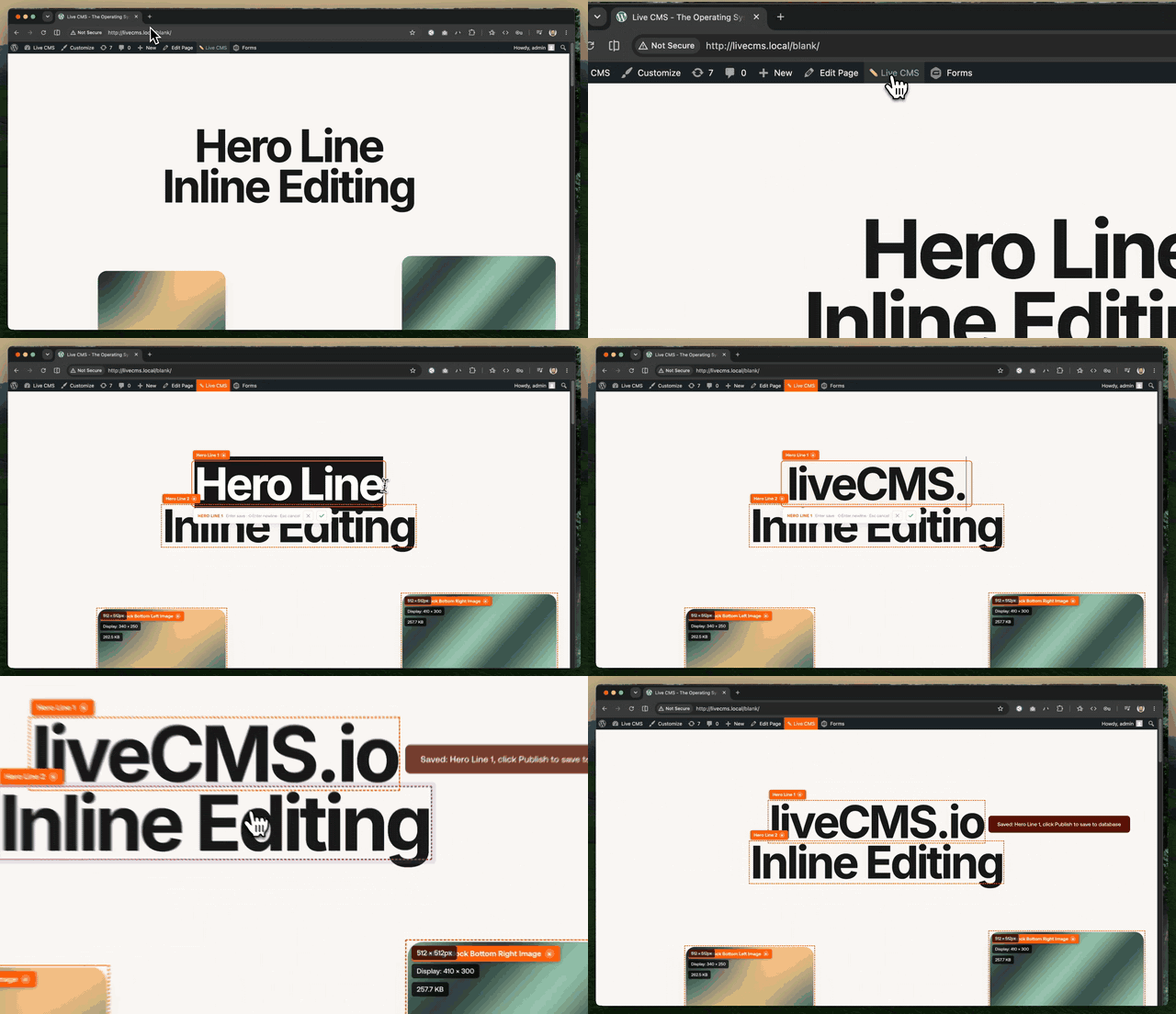
Developer Quickstart: Implementing LiveCMS in 5 Minutes
To integrate LiveCMS into a WordPress theme, developers include the core CSS and JS assets and wrap editable template regions with specific HTML comments.
Steven
•
April 27, 2026

Check out our latest community contributions on DEV.to
We regularly publish technical deep dives and product updates on the global developer community platform.
LiveCMS
•
Ongoing