FrontEdit vs Frontpen vs LiveCMS
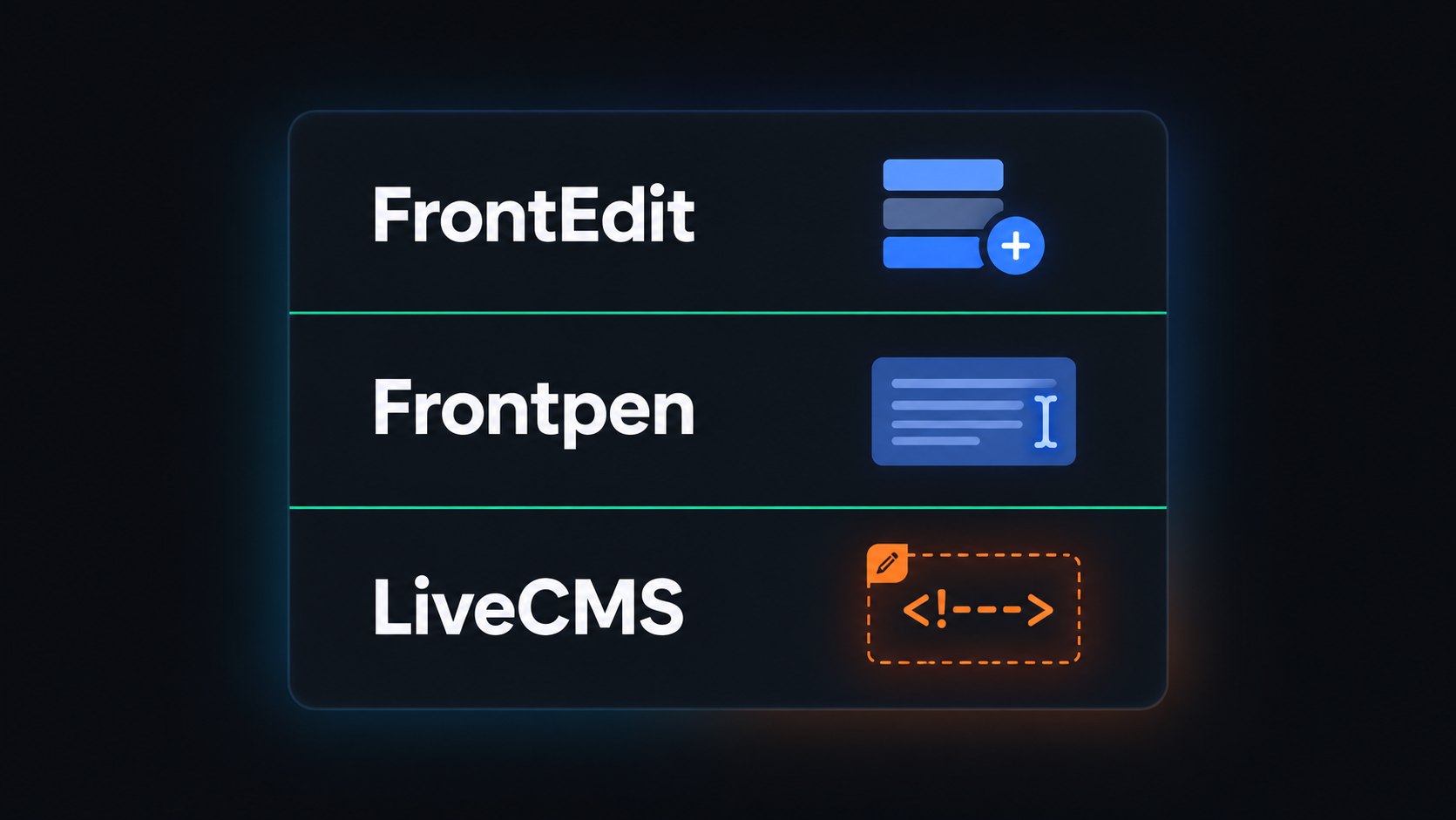
“Front-end editor” is not one product type.
FrontEdit and Frontpen edit Gutenberg blocks (or simple HTML in post_content) on the live page. Good when the page is already blocks.
LiveCMS edits regions you mark in a custom PHP theme. Clients change text, images, and links on the live site. Copy publishes to post_content. They never get a block inserter.
If you already know you ship custom themes, read Inline Content Editor for Developer-Built WordPress Themes. If you’re comparing tools, use the table below.
The three tools in short
FrontEdit — Click supported Gutenberg blocks on the live page and save normal block markup. Aimed at block-built sites. .org listing showed 2,000+ active installs when we checked (2026). Pro adds team workflows.
Frontpen — Lighter: live edit of paragraphs, headings, and lists. Leaves layout/media blocks alone. Its docs say it won’t safely edit copy that comes from theme templates, shortcodes, builders, or custom fields — that’s the important line for agencies on PHP themes.
LiveCMS — For custom PHP / Tailwind / Bootstrap themes. You wrap fields in HTML comments; clients edit those fields on the front end. No Gutenberg required for that surface. Layout stays in the theme (and git).
<!-- lcms:text hero_heading -->
<h1><?php echo esc_html($hero_heading); ?></h1>
<!-- /lcms -->
More setup: developer quickstart. How storage works: How LiveCMS works.
Pick by stack
| FrontEdit / Frontpen | LiveCMS | |
|---|---|---|
| Page model | Gutenberg blocks (or classic HTML in post content) | Custom PHP template regions |
| Client edits | Block content on the live URL | Marked text / images / links only |
| Can clients add sections? | Possible if roles allow — block model still there | No |
| Gutenberg needed for client edit UI? | Yes (Frontpen: or classic HTML it can match) | No |
| Who defines editable bits? | Plugin + block types | You, via HTML comments |
Rule of thumb: stack of blocks → FrontEdit or Frontpen. Designed PHP template with a few client fields → LiveCMS.
Also useful: clients update WordPress without breaking layout · ACF alternative for page copy.
Layout risk
Clients break pages when they can change structure. Fixed slots for copy are fine.
Block front-end editors are safer than handing someone Elementor. They still sit on a block model — roles and locks matter.
LiveCMS removes the canvas: only marked fields. New section = developer work, not a client click.
FAQ
What’s the difference between FrontEdit and LiveCMS?
FrontEdit edits Gutenberg blocks on the live front end and saves block markup. LiveCMS marks regions in custom PHP themes with HTML comments; clients can’t add blocks; copy goes to post_content. Blocks site → FrontEdit. Custom theme regions → LiveCMS.
Is LiveCMS a FrontEdit alternative?
For custom PHP themes, yes. For sites that are already Gutenberg, use FrontEdit or Frontpen — LiveCMS is not a better block editor.
Do I need Gutenberg for LiveCMS?
No. Clients edit marked regions on the front end. You can still use Gutenberg elsewhere (e.g. blog posts).
When does Frontpen say no?
When the text comes from theme templates, shortcodes, builders, or custom fields. LiveCMS is built for those theme-template regions.
Next step
Mark three regions on staging, walk one client edit, then decide. Match the tool to the stack — don’t buy “inline editing” as a single SKU.